
Deployment
02. Deploy to Cloudflare
One-click deployment: Dev Console creates D1/KV/R2, runs migrations, deploys Workers and frontend.
Last updated Mar 21, 2026
Path B (Dev Console) — Fully automated. If you prefer CLI, see Path A.
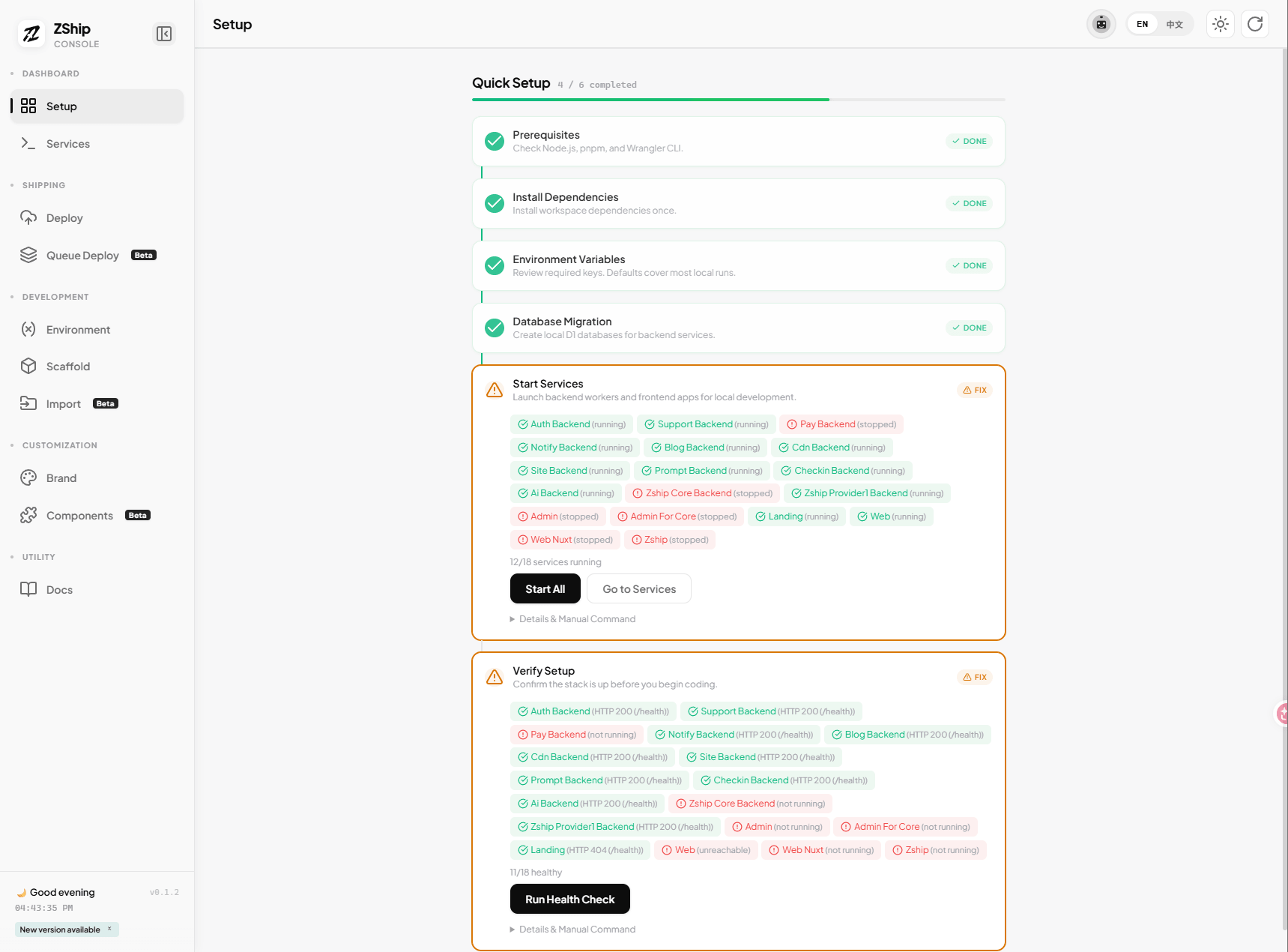
1. Open Dev Console → Deploy tab
- Run
pnpm dev:consolefrom the repo root. - In the Dev Console menu, switch to Deploy (云端部署).
- You will see the deployment pipeline with steps 0–6.
2. Click Run All
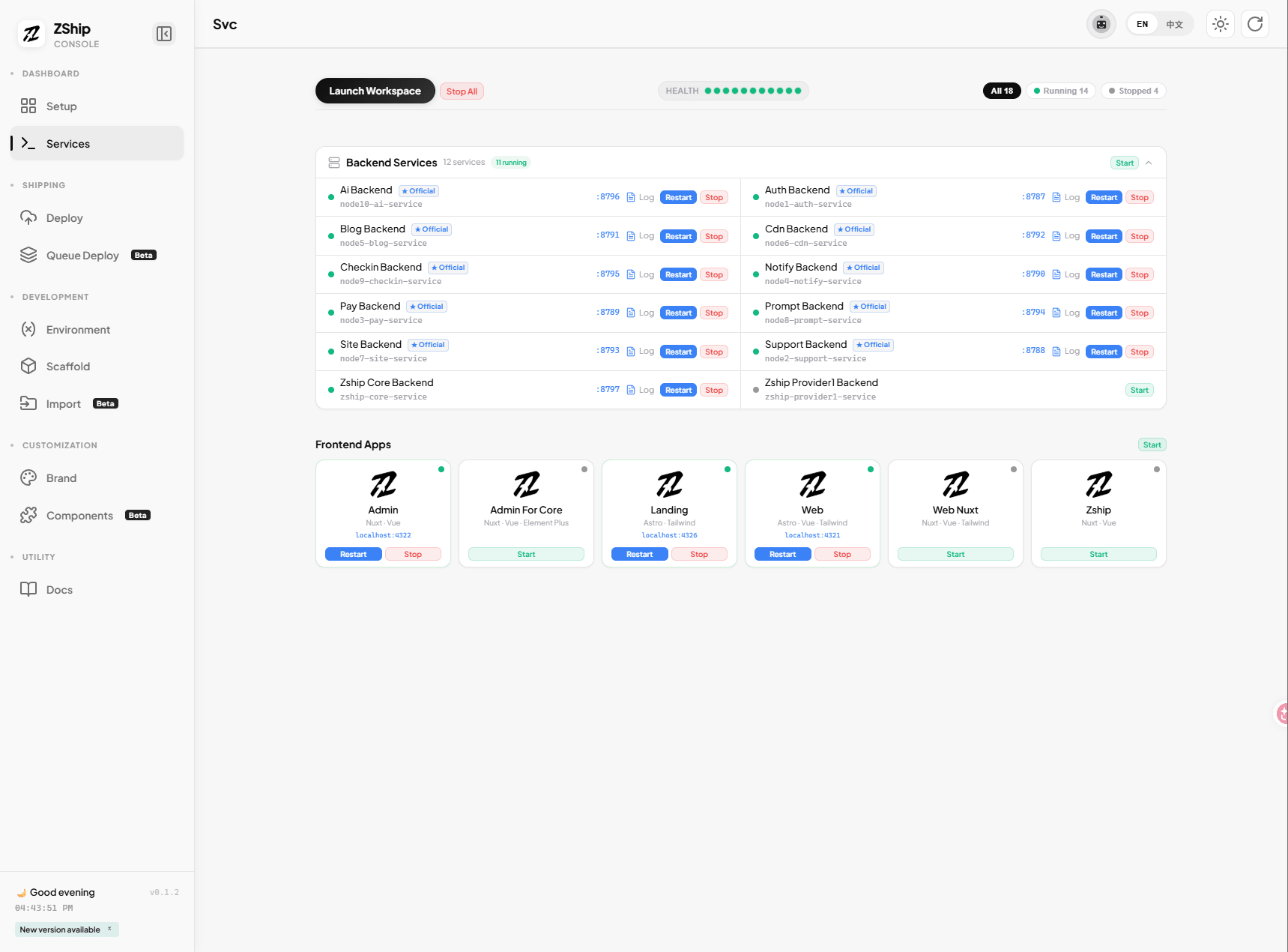
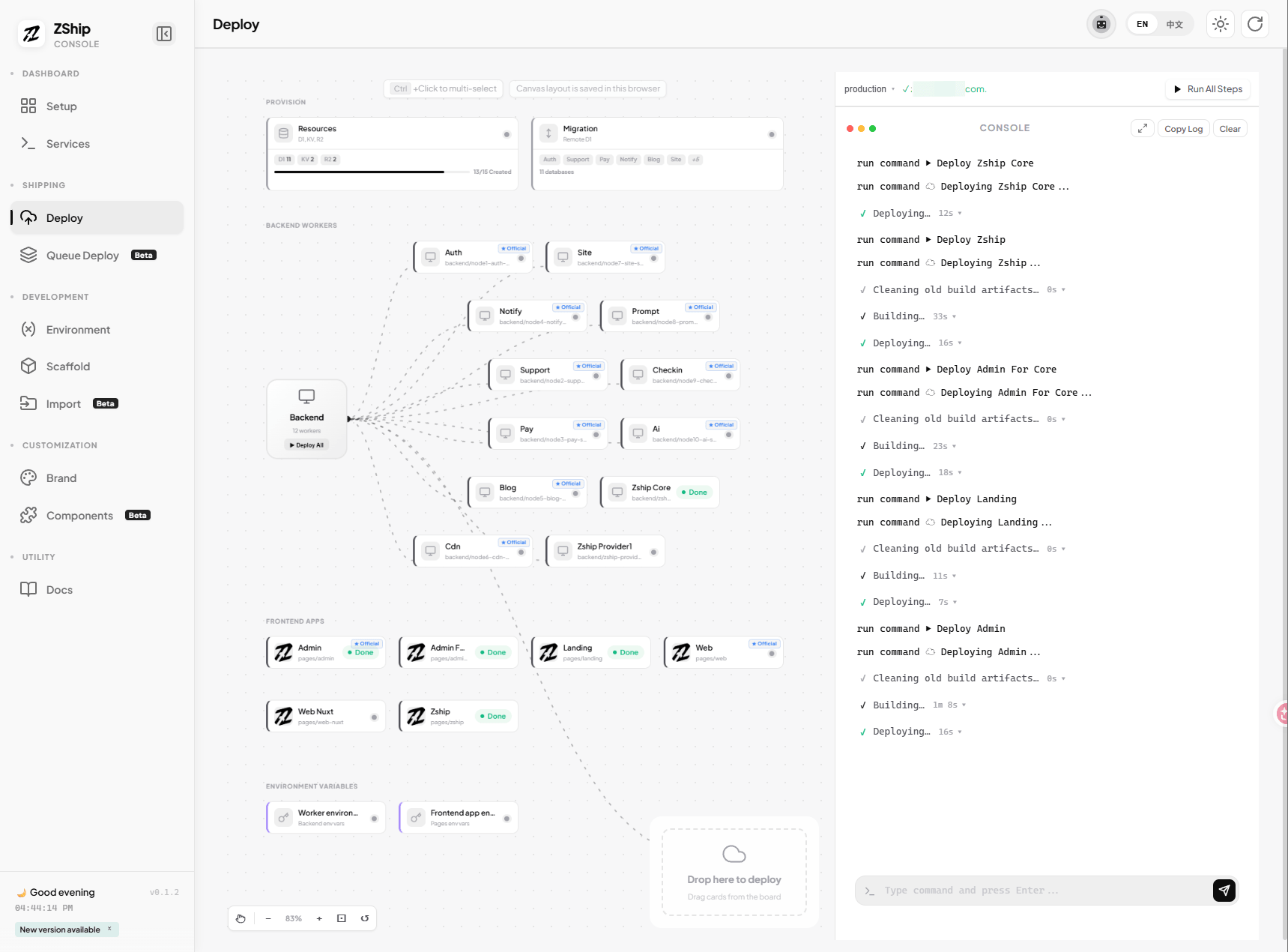
Click Run All (执行全部步骤).
The pipeline will automatically:
- Step 0 — pnpm install
- Step 1 — Create D1, KV, R2 resources
- Step 2 — Run D1 database migrations
- Step 3 — Deploy all 11 core Workers to Cloudflare
- Step 5 — Deploy the core frontend apps (
apps/webandapps/admin)
No manual creation. No separate commands for the core delivery path. Optional apps and value-added Workers can be deployed from their own cards.
3. Fill secrets if needed
Before or after the first run, fill auth secrets in the Environment / Secrets section (e.g. JWT_SECRET, ADMIN_SECRET for node1-auth). If not filled, defaults are used (e.g. REPLACE_WITH_STRONG_JWT_SECRET). ADMIN_SECRET is the key for accessing the admin panel.
4. Next steps
Once deployment completes, proceed to 05. Domains & Environment and 06. Initialize System.